Seedance 2.5 AI Video Generator

What Is Seedance 2.5?

Seedance 2.5 is a next-generation joint audio-video model focused on longer storytelling, multimodal reference, and precise editing. It supports single-pass videos up to 30 seconds, as many as 50 image, video, and audio references, and output up to 4K.

Coherent Stories up to 30 Seconds

A single generation can cover up to 30 seconds, using smoother transitions, scene progression, and shot changes to build a complete story instead of extending one static moment.

Expanded Multimodal Reference

Use up to 30 images, 10 videos, and 10 audio clips as references for characters, settings, motion, style, and sound while keeping complex scenes coherent.

Precise Timeline Editing

Use time-range instructions to adjust story, camera movement, action, and pacing, or target characters and plot details inside a specific clip while preserving continuity around the edit.

Controls for Professional Production

Use clay or structural references, green-screen editing, camera-perspective changes, professional camera movement, and performance blocking for complex film, campaign, and product shots.
How to Use Seedance 2.5

Use a production-minded structure: choose text-to-video or image-to-video, define the scene goal, lock visual continuity, then set delivery options.

  1. Choose Text or Image Reference

    Start from a written scene, or switch to image-to-video and upload a reference image for subject, product, style, or composition guidance.

  2. Lock Visual Continuity

    Describe subject identity, wardrobe, location, lighting, camera path, and mood so later shots can stay coherent.

  3. Iterate Before Delivery

    Run controlled prompt variants, compare results, and choose the best direction before spending credits on final-quality output.

Core Seedance 2.5 Capabilities

From longer storytelling and multimodal references to high-resolution output and targeted editing, Seedance 2.5 is designed for more complete and controllable video production.

A neighborhood barbershop scene: expression, lighting, and camera movement.

30-Second Single-Pass Generation

Build multi-shot videos up to 30 seconds in one generation, with room for setup, development, turning points, and resolution.

Output up to 4K

The model supports 480p / 720p / 1080p / 4K output for previews, social content, and higher-resolution delivery.

Up to 50 Reference Assets

Combine up to 30 images, 10 videos, and 10 audio files to guide characters, settings, motion, style, and sound continuity.

Synchronized Audio and Video

Generate visuals and sound together, or use audio references to guide dialogue, rhythm, ambience, and the overall sonic direction.

Timed Precision Editing

Control actions, cuts, and narrative pacing by time range, then make targeted changes inside a selected part of the video.

Professional Shot Control

Use structural references, green-screen edits, perspective changes, and performance blocking for complex film, advertising, and product work.

Seedance 2.5 Video Examples

Explore product films, character animation, portraits, and beauty campaigns. Play each clip to compare its lighting, camera movement, and visual style.

Explore more AI models

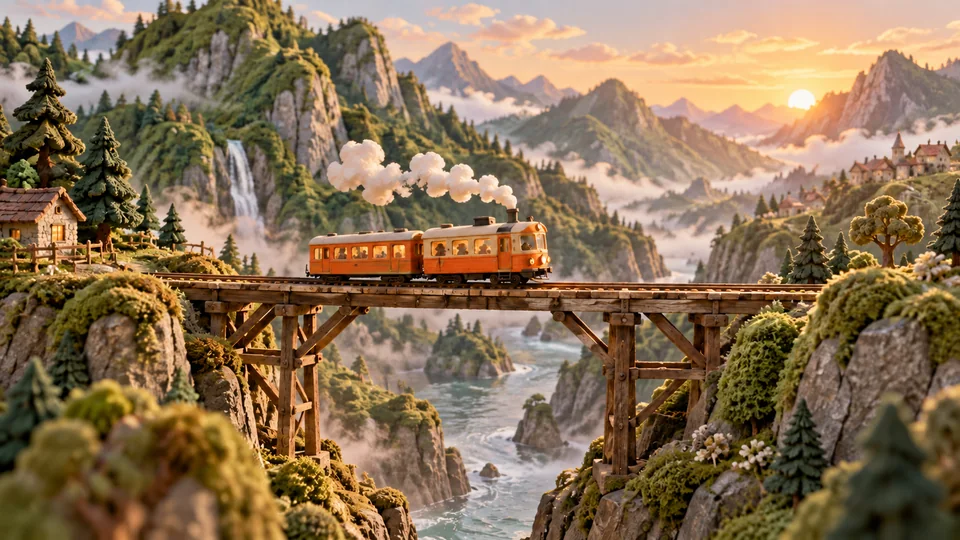
Orange miniature railcar crossing a wooden bridge in green mountains
Video model

Seedance 2.5 Mini

Explore short video concepts, prompts, and image-reference workflows.

Explore model
Mint-green headphones and sea-glass pebbles on pale stone
Image model

Nano Banana 2

Create reference frames and product images from prompts or existing pictures.

Explore model
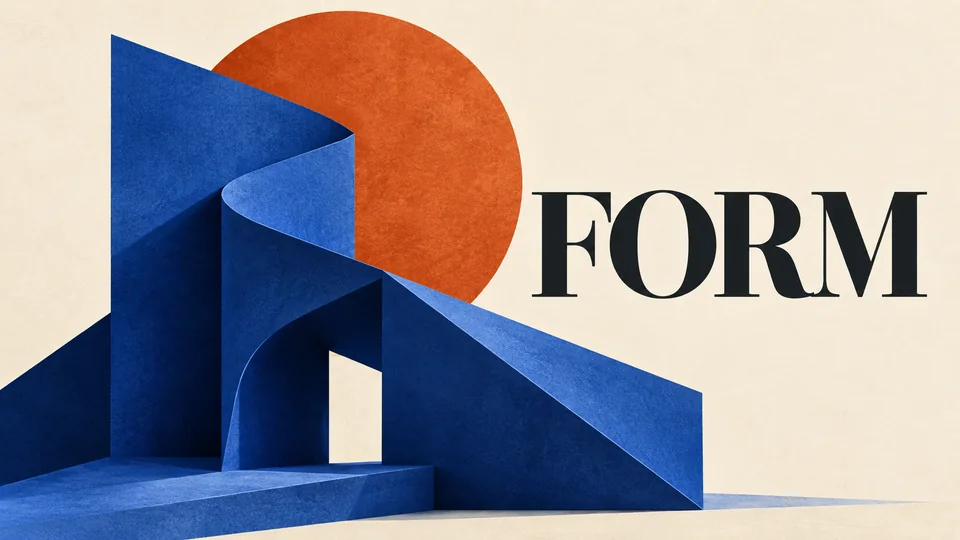
Cobalt-blue sculptural exhibition poster with FORM typography
Image model

GPT Image 2.5

Explore image generation and editing for posters, layouts, and visual concepts.

Explore model
Detailed blue-and-white porcelain teapot on charcoal slate
Image model

Nano Banana Pro

Develop detailed still images and refine them with image references.

Explore model

Frequently Asked Questions

Answers about Seedance 2.5 duration, resolution, multimodal references, editing, and creative use.

Looking for a free start? Read the access conditions and Mini workflow, then compare model costs.

Can I try Seedance 2.5 free online without a waitlist?

Yes. There is no waitlist. The signup offer does not ask for a credit card. Free accounts do not unlock full Seedance 2.5 on this page. Eligible new accounts receive 6 credits once per registration IP, enough for one 5-second Seedance 2.5 Mini video at 720p on /seedance-2-5-free. Full Seedance 2.5 needs a paid plan from $29.90/month.

Can I turn an image into a video with Seedance 2.5?

Yes. Use Image to Video, upload an image, and describe the motion. Free signup credits work on Seedance 2.5 Mini at 720p, where a 5-second clip with no video input costs 6 credits. Mini does not accept video or audio references. Full Seedance 2.5 accepts image, video and audio references and needs a paid plan from $29.90/month. Check the quote before you submit. Charged generations that fail are refunded.

Do Seedance 2.5 videos have a watermark?

Videos from this site are delivered without a watermark. Free accounts get a watermark on still images. Paid plans from $29.90/month — the Mini plan (300 credits), Standard, Plus and Pro — can turn image watermarks off. The first month of the Mini plan includes double credits: 300 × 2 = 600. Yearly billing is 50% off.

What is Seedance 2.5?

Seedance 2.5 is a joint audio-video model for stories up to 30 seconds, with multimodal reference and timed editing. Output resolutions are 480p, 720p and 1080p. The 4K option is submitted as 1080p and billed at the 1080p rate; it does not produce native 4K. Paid plans start at $29.90/month.

Is Seedance 2.5 available in the generator?

Open this page and start from the visible model and settings. Use the Text to Video tab for prompt-only creation, or switch to Image to Video when you want to guide the video with image references.

What resolution does Seedance 2.5 support?

Seedance 2.5 offers 480p, 720p, 1080p and a 4K option, in one pass from 4 to 30 seconds. The 4K option is submitted as 1080p and billed at the 1080p rate: 90 credits for a 5-second clip with no video input. It does not produce native 4K. Auto duration reserves 30 seconds.

How should I prompt Seedance 2.5?

Write prompts with scene purpose, subject continuity, camera movement, lighting, mood, and output intent. When using image references, describe how the uploaded image should guide subject, composition, style, or motion.

Can I use Seedance 2.5 for brand work?

Use it for ads, social content, product visuals, storyboards, and team drafts. When using people, logos, or external assets, make sure you have the right permissions.

How is this different from Seedance 2.0?

Seedance 2.5 extends single-pass generation to 30 seconds, expands multimodal reference capacity to as many as 50 assets, and adds stronger timed editing and professional production control. Its 4K option is submitted as 1080p and does not produce native 4K. Seedance 2.0 is better suited to 4–15-second multimodal generation and editing.

What are the reference upload limits?

The model accepts up to 30 images, 10 videos, and 10 audio files. Model reference limits allow 30MB per image, 200MB per video, and 15MB per audio file, with a 30-second total for video references and a separate 30-second total for audio. Follow the upload limits shown in the generator.

Where can I check the cost and save my video?

The generator displays the credit cost for your current settings. Check the updated amount after changing duration or resolution, then submit. Preview and download the completed video, or sign in and return to saved results in My Creations.

A calm coastal bay and low cliffs at dusk

Build a Seedance 2.5-Ready Video Workflow

Seedance 2.5 is already selected on this page. Keep prompts, references, and output settings in one workspace; check the credit cost before submitting, then preview, download, and return to saved results in My Creations.

Compare Seedance 2.5 vs 2.0 and Mini: quality, credits and costs

Seedance 2.5 AI Video Generator | MiniMax H3